No AI model to choose and no server to configure. If you can install an OpenCart extension, you can start.
01 / INSTALL
Add our
OpenCart module.
Install the Store Deputy module from your OpenCart admin, like any other extension.
02 / CREATE AN ACCOUNT
Meet your
Store Deputy.
Press Connect, create your Store Deputy account and confirm the store. You come back to your admin, connected.
03 / GET TO WORK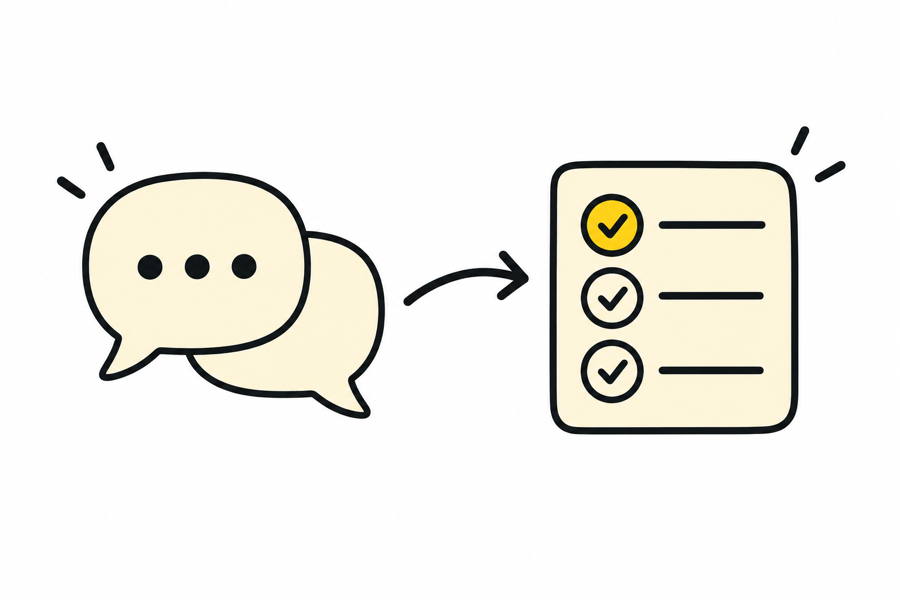
Give your deputy
its first task.
Open the chat, say what you need and review what your deputy proposes.
Where we are: connecting a store already works in our test shops. The chat is what we are building now.